
Multi-word fusion generator
The Multi-word fusion generator in Naming Toolbox helps you merge multiple keywords through several merger logics at once. It is useful when you want broader fusion exploration without manually testing each merger mode separately.
This tool is especially valuable when you already know that blending is the right direction, but do not yet know which merger style fits best.
You can use the explanation below as a reference, or jump straight into Multi-word fusion generator and explore results with your own input.
What the Tool Does
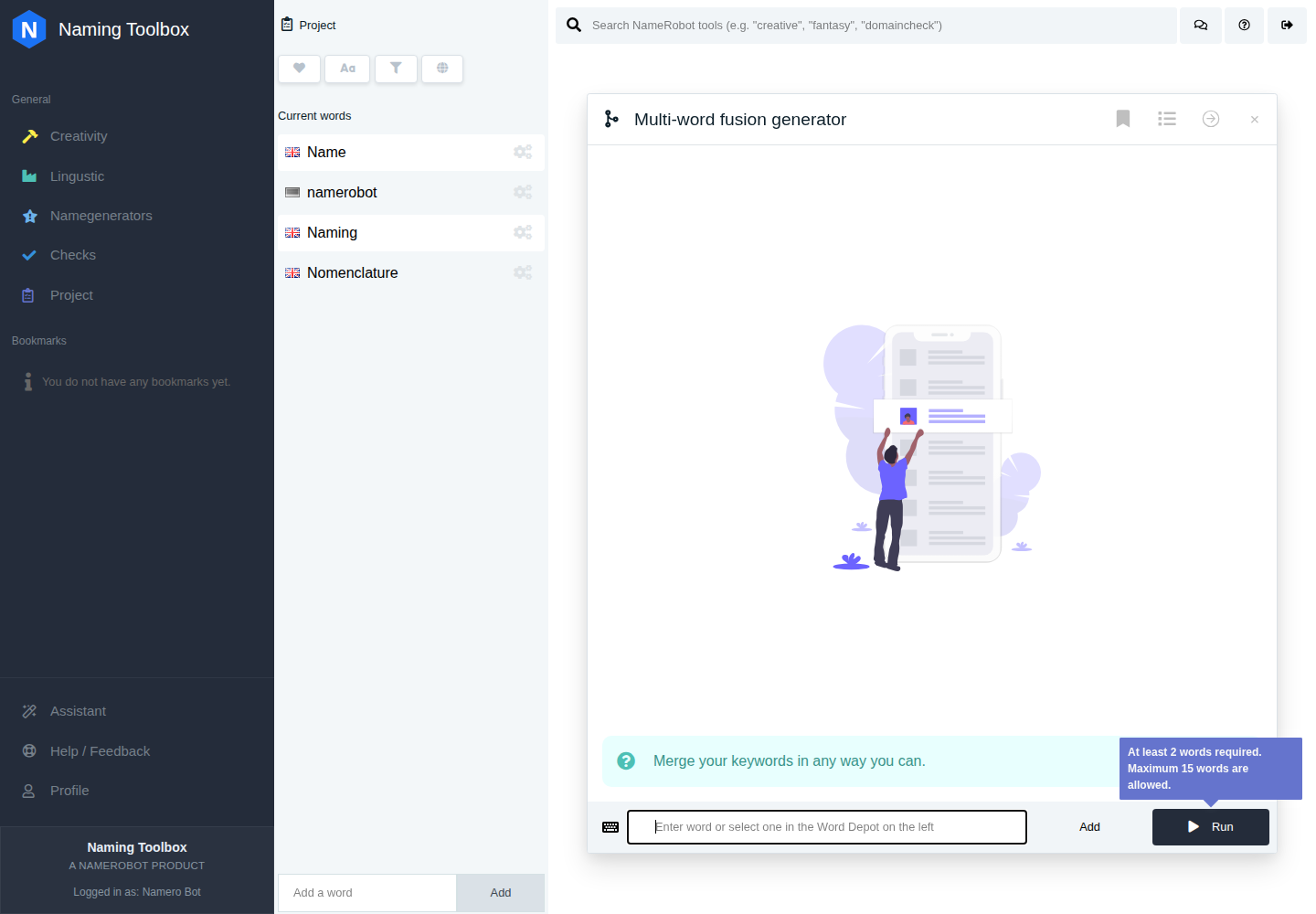
Multi-word fusion generator bundles several internal merger modes into one broader result set. The results can include syllable-based blends, overlap-driven fusions, and more aggressive compacted mergers.
That makes it useful when you want to compare several fusion patterns side by side from the same input words.
How to Use It
Enter several keywords directly or select them from your project. The tool then runs several merger logics internally and returns a mixed set of fused name ideas.
This is useful when you want more variety than a single merger preset can provide.
Settings
Multi-word fusion generator works without manual settings. You enter your keywords, run the tool, and get mixed fusion ideas immediately.
Instead of exposing one single merger mode, the tool bundles several internal fusion logics in the background. These include syllable-based merges, same-letter overlaps, and the more aggressive pacman-style merger logic.
This lets you compare several blending styles from the same source words without testing each merger tool separately.
The tool is useful when you already know that a fused name is the right direction but still want to discover which merger style works best.
When to Use It
Multi-word fusion generator is useful for brand names, product names, startup names, and campaign names where compact hybrid words are desirable.
It is also a strong option when you have many source keywords and want to discover the best fusion style before narrowing the shortlist.
How to Work with the Results
The results can be used as direct blended name ideas or as a diagnostic view of which merger style works best for your source material. Some may already feel strong, while others mainly indicate the most promising technical path.
A practical workflow is to save the strongest fusions and then continue with a specific merger preset if one particular blend style clearly outperforms the others.