
Abbreviation Genius
The Abbreviation Genius tool in Naming Toolbox helps you explore several abbreviation styles at once from the same set of input words. It is useful when you want a broad overview of short-name possibilities instead of testing one mode after another.
This tool is especially valuable early in the process, when you want to see how your keywords behave across different shortening patterns.
To see how the tool behaves with your own input, launch Abbreviation Genius in Naming Toolbox and test a few variations.
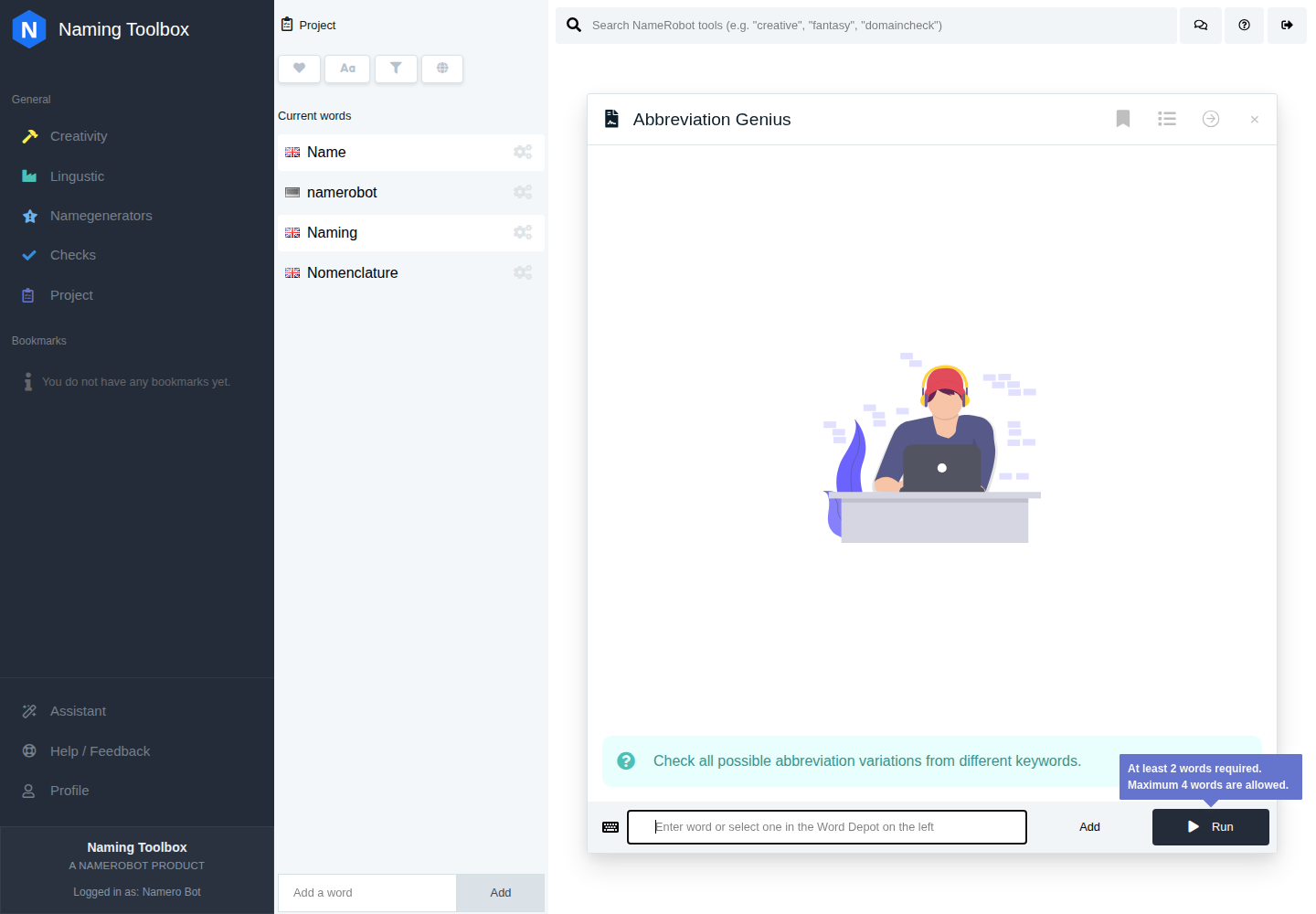
What the Tool Does
Abbreviation Genius combines several internal abbreviation generators into one broader result set. It can surface classic initials, fuller opening fragments, first syllables, and other acronym-style variants side by side.
That makes it useful as a comparison tool when you want both breadth and speed.
How to Use It
Enter several words directly or select them from your project. The tool then runs multiple abbreviation logics internally and returns a mixed set of results.
This is useful when you want to compare several abbreviation families without opening multiple tools.
Settings
Abbreviation Genius works without manual settings. You enter your words, run the tool, and get a broad mix of abbreviation ideas automatically.
Instead of locking you into one shortening style, the tool bundles the main acronym approaches in the background. It combines the broader Acronym Generator with quick variants based on first letters, word beginnings, first syllables, and first two letters.
This gives you a fast overview of what kinds of abbreviations are possible from the same input words.
The tool is useful when you want quick variety and do not want to decide on one acronym logic upfront.
When to Use It
Abbreviation Genius is useful when you want short-name ideas for projects, organizations, products, or internal initiatives and are still deciding which abbreviation strategy fits best.
It is also a strong option when you want a broad first scan before moving into a more focused tool.
How to Work with the Results
The results can be used as direct acronym ideas or as a decision aid for which abbreviation family deserves deeper work. Some suggestions may already feel ready to use, while others may simply reveal the most promising structure.
A practical workflow is to save the strongest results, identify the best-performing abbreviation logic, and then continue with the more specific tool that matches that logic.