
Domain Check
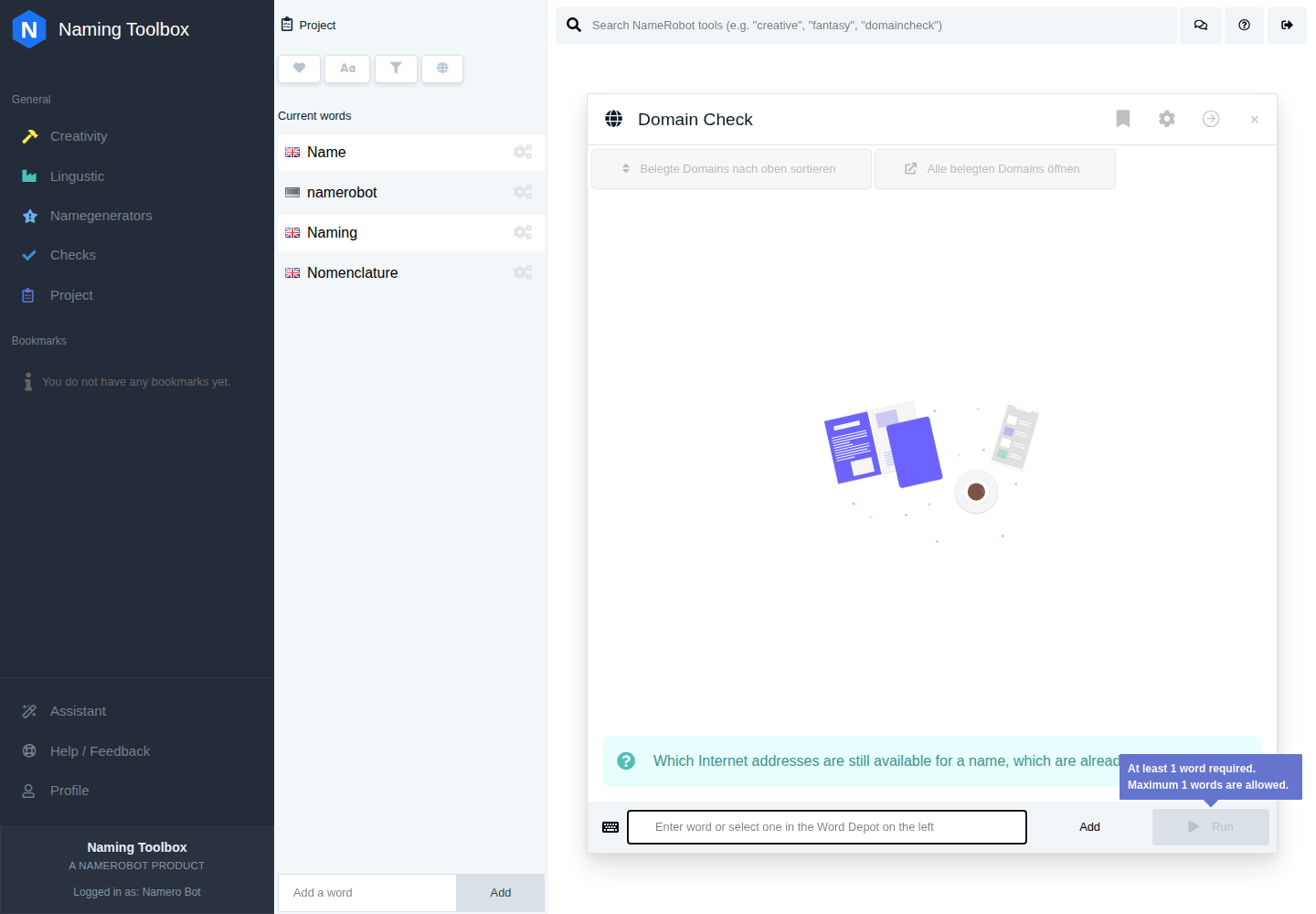
The Domain Check tool in Naming Toolbox helps you find out whether a name is still available as a domain. Instead of checking one extension after another manually, you can review many top-level domains at once and quickly see which options are free and which are already taken.
This tool is useful when you already have a shortlist of names and want to test whether they still make sense online. It is also helpful earlier in the process, when you want to compare how flexible a name is across common extensions such as .com, .io, .net, or country-specific domains.
Because domain availability can change quickly, the tool is best used as a practical decision aid during your naming process. It helps you narrow down options, spot realistic candidates, and move faster toward names you can actually use.
For a practical validation step, start Domain Check and test one of your current naming options.
What the Tool Does
Domain Check takes a name or term and compares it against selected domain extensions. It then shows you which domains are available and which are already registered.
The tool can also prepare useful domain variants automatically. For example, if your input contains multiple words, it can check combined versions and hyphenated versions, such as a form without spaces and a form with dashes. This helps you see not only whether your exact wording works, but also whether close and practical alternatives are still usable.
If a domain contains characters that are not supported equally across all domain endings, the tool can also work with a converted form where special characters are replaced by simpler Latin equivalents when possible. This is especially relevant for international or accented names.
How to Use Domain Check
Enter the name or term you want to test. Then choose the domain extensions you want to include in the search.
If you do not make a manual selection, Domain Check uses a default set of common TLDs. In the English version, this includes a standard mix of broad international extensions. In the German context, country domains such as .de, .at, and .ch can also be included by default.
After you run the check, you will see a list of domain results. Available domains are marked clearly, and taken domains can be opened directly so you can inspect what is already using that address. Available domains also include a registration link so you can continue immediately if you decide to secure one.
Settings
Search Top-Level-Domains
This is the main setting of the tool. You choose which TLDs should be checked for your name.
The settings form groups domain endings into categories so you do not have to search through one long list. Depending on your needs, you can focus on broad international extensions, European domains, national country domains, or more specific topic-related extensions.
If you leave this empty, the tool falls back to a predefined standard selection.
TLD Categories
The available domain endings are organized into categories. These categories exist to make large TLD lists easier to work with.
Examples include standard domains, international domains, EU country domains, European country domains, and topic-based groups such as technology, company, culture, healthcare, tourism, industry, service, trade, transport, hobby, community, food, shopping, and misc.
In practice, this means you can either stay focused on a small standard set or widen your search if a project needs more niche or regional options.
Automatic Variants
Domain Check can work with variants of your input. This behavior is enabled by default.
If your name contains multiple words, the tool can generate practical domain versions such as a combined version without spaces and a hyphenated version. This is useful because the exact written form of a name is not always the strongest or most available domain form. A compact or hyphenated version may still be usable even if the most obvious version is already taken.
Special Character Handling
Some domain endings support a wider range of accented or non-basic Latin characters than others. Where needed, the tool can also generate a simplified substitute version of a name by converting special characters into a more standard Roman form.
This helps when a name includes umlauts, accents, or other characters that may not work equally well across every domain extension.
Default Selection
If you do not manually choose domain endings, the tool uses default TLDs. These are the domain endings most users are likely to want first.
That makes the tool useful even for quick checks, while still allowing more detailed searches when needed.
What the Results Mean
Each result shows a specific domain combination, such as yourname.com or your-name.io.
If a domain is available, it is shown as available and can usually be opened via a registration link. If a domain is already taken, you can open the existing address directly and inspect what is there.
This makes the result list useful not only for yes-or-no checking, but also for competitive review. A taken domain may already host an active business, a parked page, or nothing useful at all. That difference matters when deciding whether a name is still viable.
When to Use It
Use Domain Check when you already have a promising name and want to know whether it can realistically be used online.
It is especially helpful after generating first name ideas, when comparing a shortlist, before moving on to deeper checks such as trademark review, when deciding between two otherwise similar names, or when you want to understand whether a name still has usable fallback domain options.
This tool is often one of the first validation steps in a naming workflow because domain availability has an immediate effect on whether a name is practical.
How to Work with the Results
Do not look only at whether one exact domain is free. Look at the overall pattern.
A strong result can mean that the exact preferred domain is available, several relevant alternatives are also available, useful regional or niche TLDs still exist, or close variants are still open if the ideal form is not.
A weaker result can mean that the most important extensions are already taken, only obscure or less suitable TLDs remain, important variants are no longer available, or the taken domains already belong to active businesses in a similar space.
In practice, Domain Check works best when combined with the rest of your evaluation process. A name that sounds good but has no realistic domain path may be harder to use. A name with strong availability across several relevant TLDs is often easier to move forward with.
Notes
Domain availability can change at any time. A positive result means the domain appears to be available at the time of checking, but it should not be treated as a permanent guarantee.
If a domain matters to your project, it is usually best to register it shortly after deciding.