
How the Dashboard Works
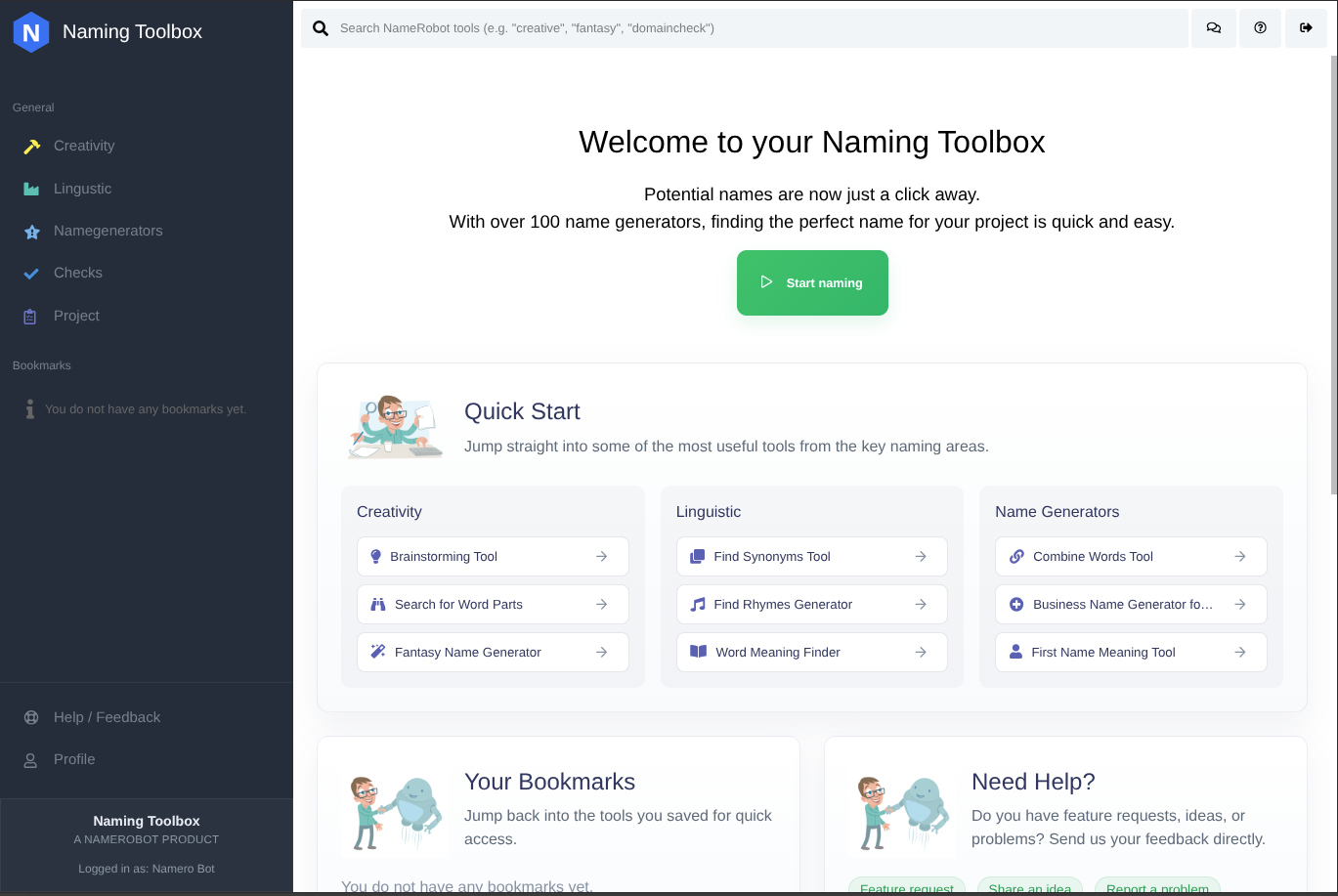
The dashboard is the central workspace in Naming Toolbox. After signing in, this is where you access the main product areas, open tools, return to saved items, and move through the different parts of your naming process.
Use the navigation on the left to switch between the main sections, or use the search bar at the top to find tools directly. This makes it easy to either explore the platform step by step or jump straight to a specific function.
The structure is designed to make a large collection of tools easier to understand. Instead of presenting everything in one place, the dashboard groups features into clear areas based on how they are used in real naming work.
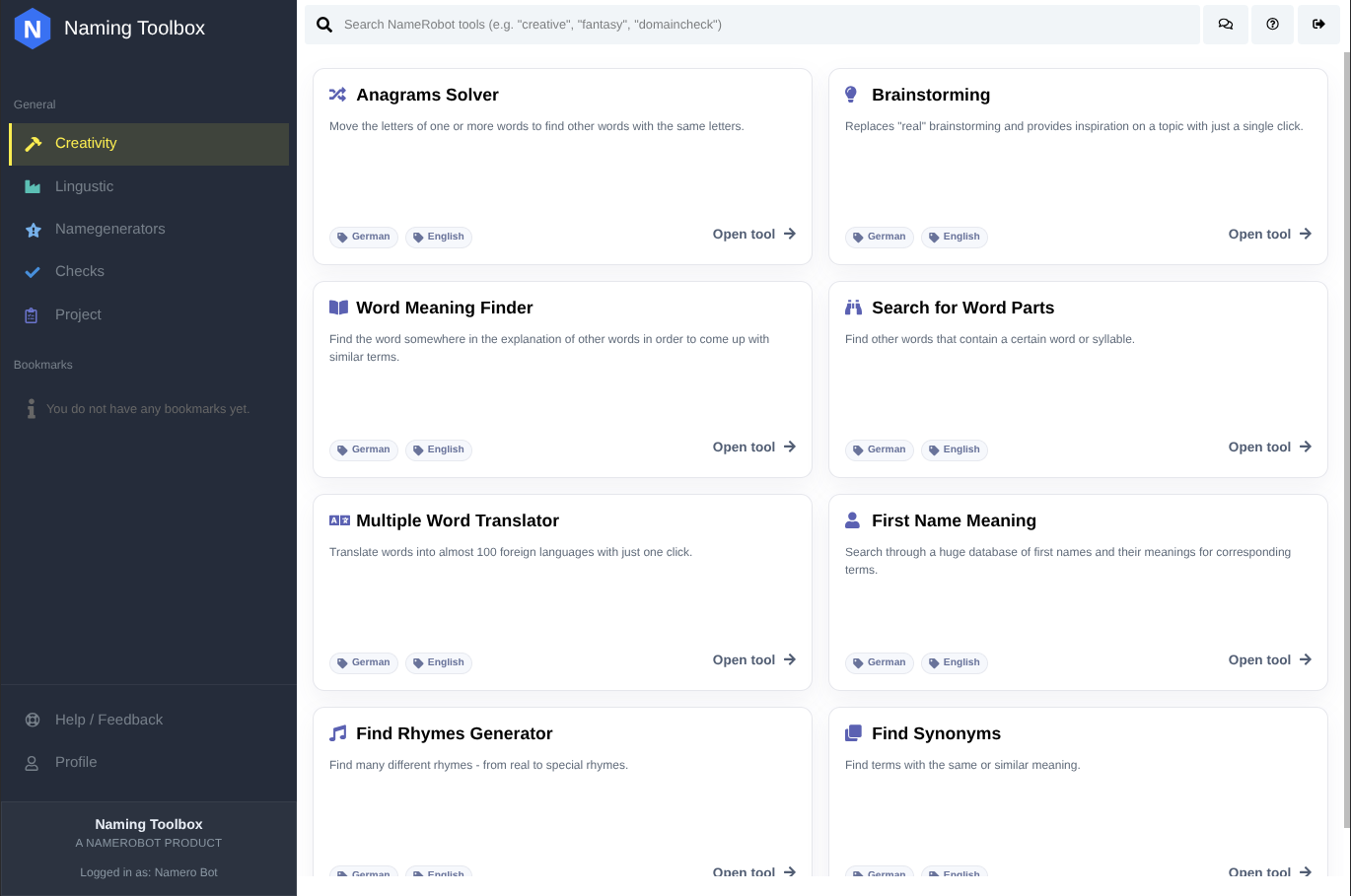
Creativity
The Creativity area is focused on idea generation and creative exploration. These tools help you discover new directions, play with associations, experiment with word combinations, and produce fresh naming input when you are still looking for inspiration.
This section is especially useful at the beginning of a naming process, when you want to widen your perspective and create a broad set of possible name ideas.
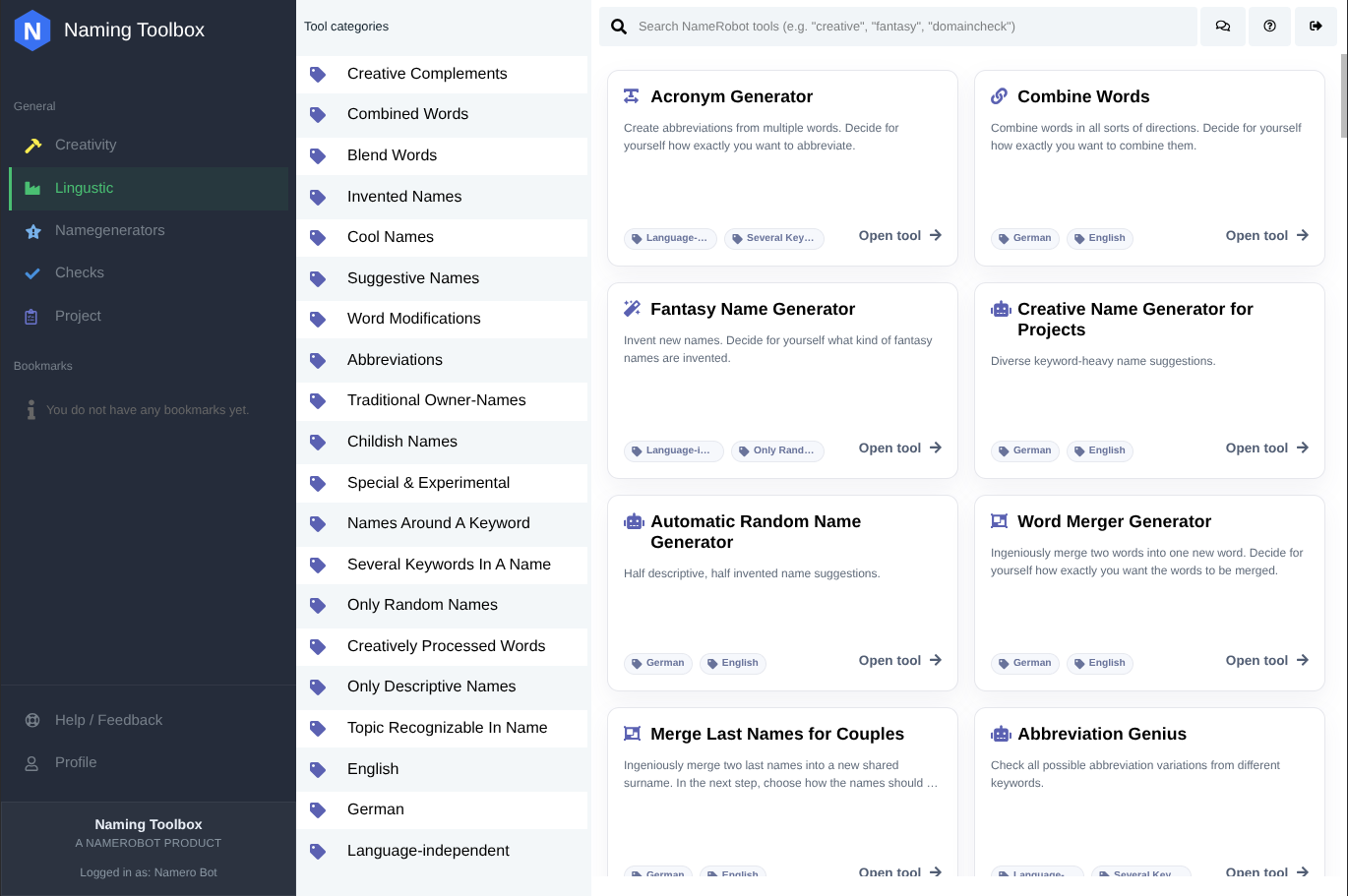
Linguistic
The Linguistic area helps you work with language in a more analytical and structured way. Here you can explore meanings, synonyms, rhymes, and other word relationships that can improve the quality, tone, and depth of your naming ideas.
This section is useful when you already have keywords or themes and want to refine them through language-based discovery.
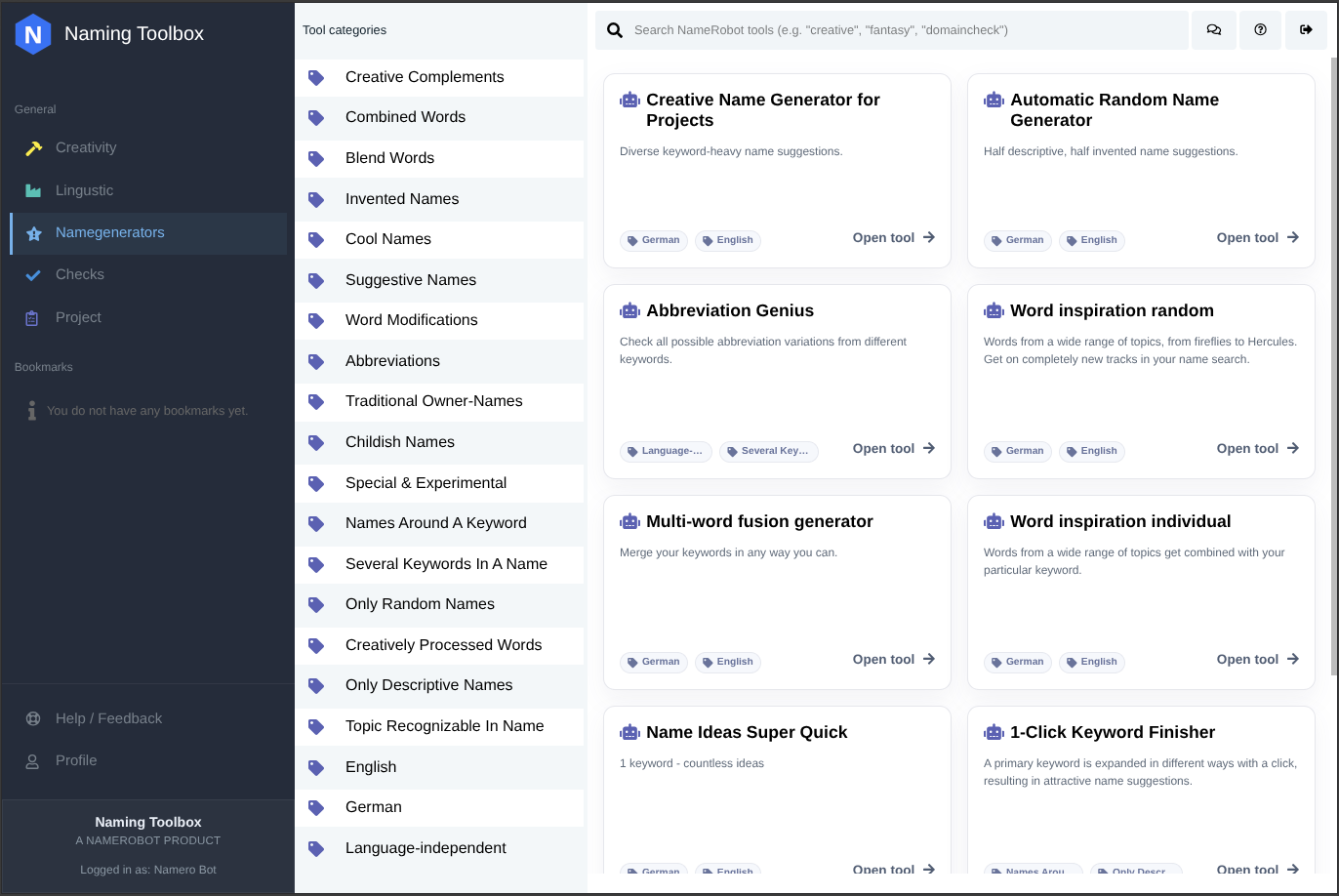
Name Generators
The Name Generators area focuses on tools that create concrete naming suggestions. These tools are designed to produce possible business names, brand names, product names, domain names, and other naming variants based on your input.
This section is often the most direct way to move from general concepts to actual name candidates that you can review, compare, and develop further.
Checks
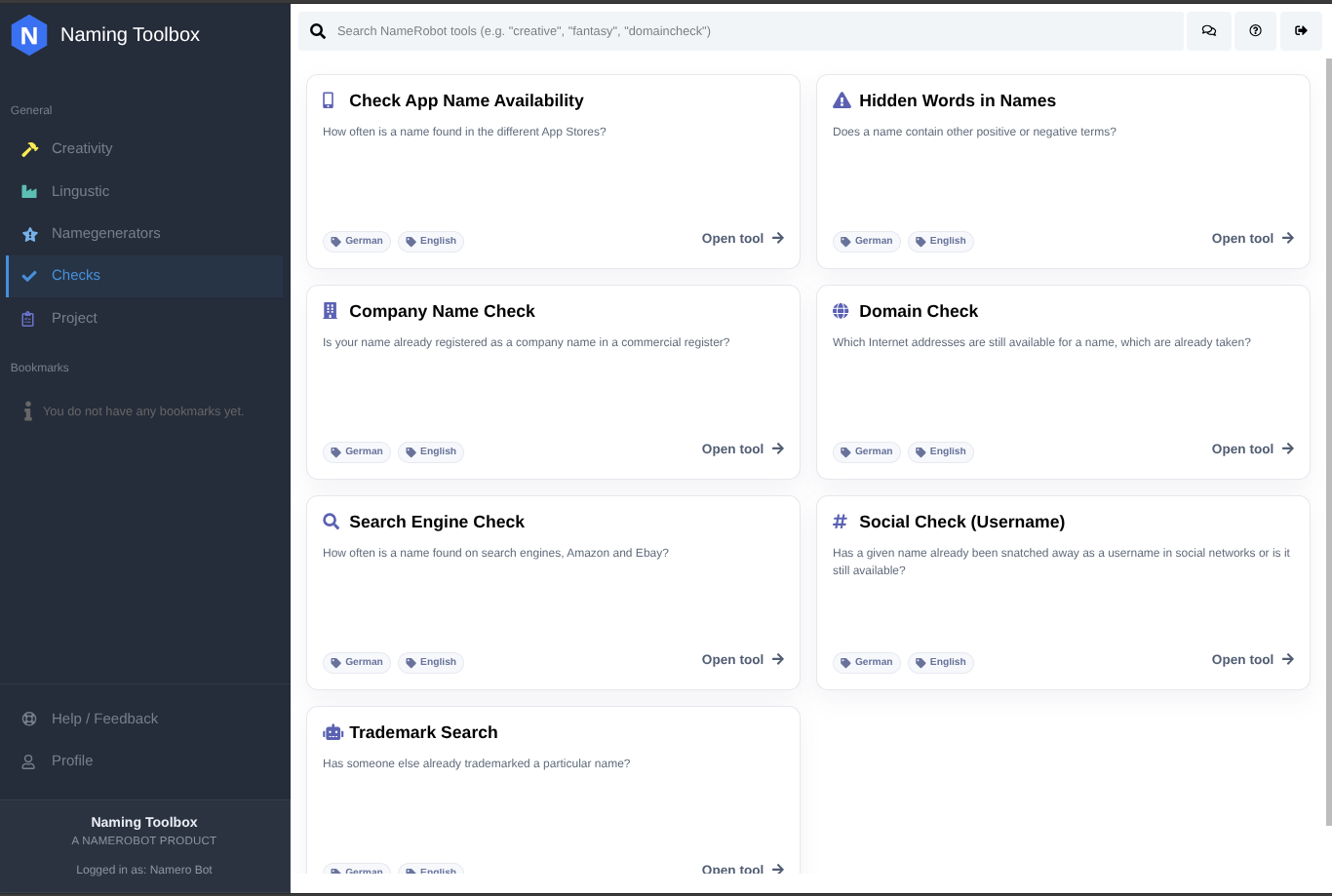
The Checks area is used to validate whether a name may work in the real world. This includes tools for checking domains, company names, trademarks, social media availability, and other practical factors that matter before you move forward with a final choice.
Checks are especially important in the later stages of the naming process, when you want to reduce risk and confirm whether your strongest ideas are still usable.
Project
The Project area helps you organize your naming work over time. This is where you manage saved ideas, shortlists, and other project-related elements that support comparison, selection, and collaboration in a more structured way.
Instead of losing good ideas across different sessions, you can use this section to keep your naming process organized and focused.
Bookmarks
The Bookmarks area gives you fast access to tools that you want to return to regularly. As you explore the platform, you may find that some tools fit your personal workflow better than others. Bookmarks help you build your own shortcut list for faster access.
This section is especially useful if you use a small set of favorite tools frequently and want to avoid searching for them each time.
Together, these dashboard areas support the full naming process, from creative exploration and language research to name generation, validation, and organization.