
Word Meaning Finder
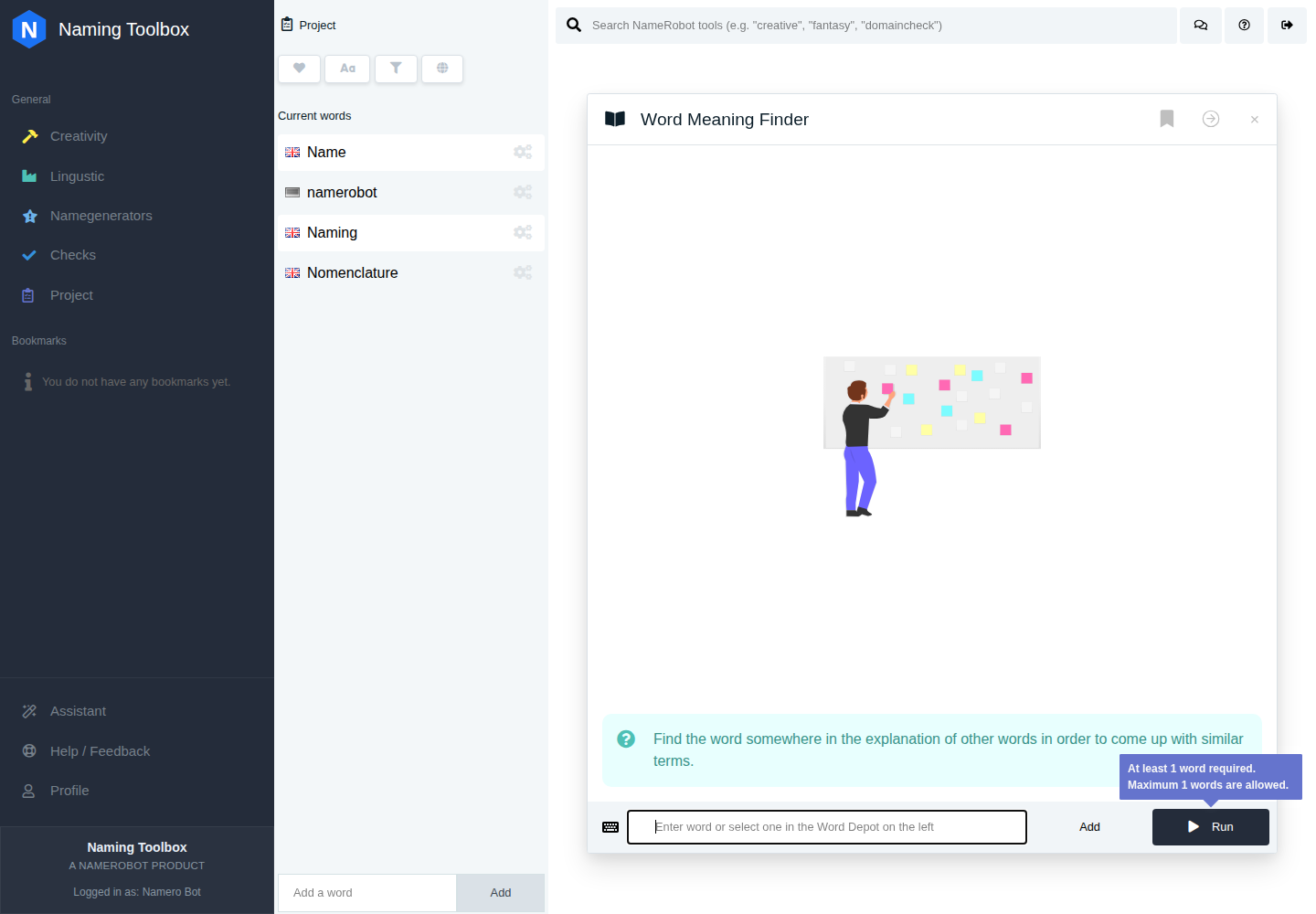
The Word Meaning Finder in Naming Toolbox helps you discover words through their definitions. Instead of searching for direct synonyms or sound similarities, this tool looks for words whose explanations contain your keyword. This makes it a useful creativity tool when you want to explore meaning from a different angle and uncover semantically related terms.
It is especially useful when you have a concept word in mind and want to find vocabulary that is connected to that idea through explanation and meaning rather than direct surface similarity.
You can use the explanation below as a reference, or jump straight into Word Meaning Finder and explore results with your own input.
What the Tool Does
Word Meaning Finder searches word definitions for your keyword and returns words whose meanings contain that term. In other words, you enter a concept, and the tool finds words that are explained with that concept in their definition.
This helps you move from a simple input word toward a broader set of related terms that may not be obvious synonyms, but are still closely connected in meaning.
How to Use Word Meaning Finder
You can enter one word directly or select one from your project. The tool then searches the meaning database in the selected language and returns words whose definitions match your input.
This is useful when you want to discover conceptually related vocabulary and build a richer semantic field around your naming idea.
Settings
Word Meaning Finder does not have advanced user settings like some other creativity tools. Its main behavior is driven by the input keyword and the selected language.
The tool works with a single search word at a time, which keeps the semantic search focused and makes the returned words easier to review.
Definition Details
Each result includes access to its definitions. These definitions are sorted so that the meanings containing your search keyword are shown first, followed by other definitions of the same word.
This is useful because it helps you immediately see why a result is relevant to your search and how closely it connects to your original concept.
Input Requirements
The search term must be at least three characters long. This helps improve the relevance of the results and avoids searches that are too broad to be useful.
Language Support
The tool supports English and German. The search is performed within the selected language, so the results reflect the meaning database available for that language context.
When to Use It
Word Meaning Finder is useful when you want to explore meaning more deeply and go beyond obvious synonyms. It works well when you have a concept such as light, growth, movement, protection, or power and want to discover other words that are semantically connected through their definitions.
This makes it a strong tool for conceptual naming, idea development, and semantic exploration early in the naming process.
How to Work with the Results
The results can be used as direct inspiration, as concept words for later refinement, or as a way to widen your semantic range before moving into other tools. Some returned words may already feel like potential naming options, while others may simply point you toward a better conceptual direction.
A practical workflow is to start with one core idea, review the returned words and their definitions, save the strongest ones to your project, and continue working with them in other areas of Naming Toolbox.