
Find Rhymes
The Find Rhymes tool in Naming Toolbox helps you discover words that sound similar to your input in different ways. It is useful when you want to explore catchy naming ideas, memorable sound patterns, and creative alternatives based on pronunciation rather than meaning alone.
This tool is especially valuable when sound plays an important role in your naming process. Instead of only looking for semantic relationships, you can use Find Rhymes to explore how a word feels, echoes, and connects to other words through phonetic similarity.
To see how the tool behaves with your own input, launch Find Rhymes in Naming Toolbox and test a few variations.
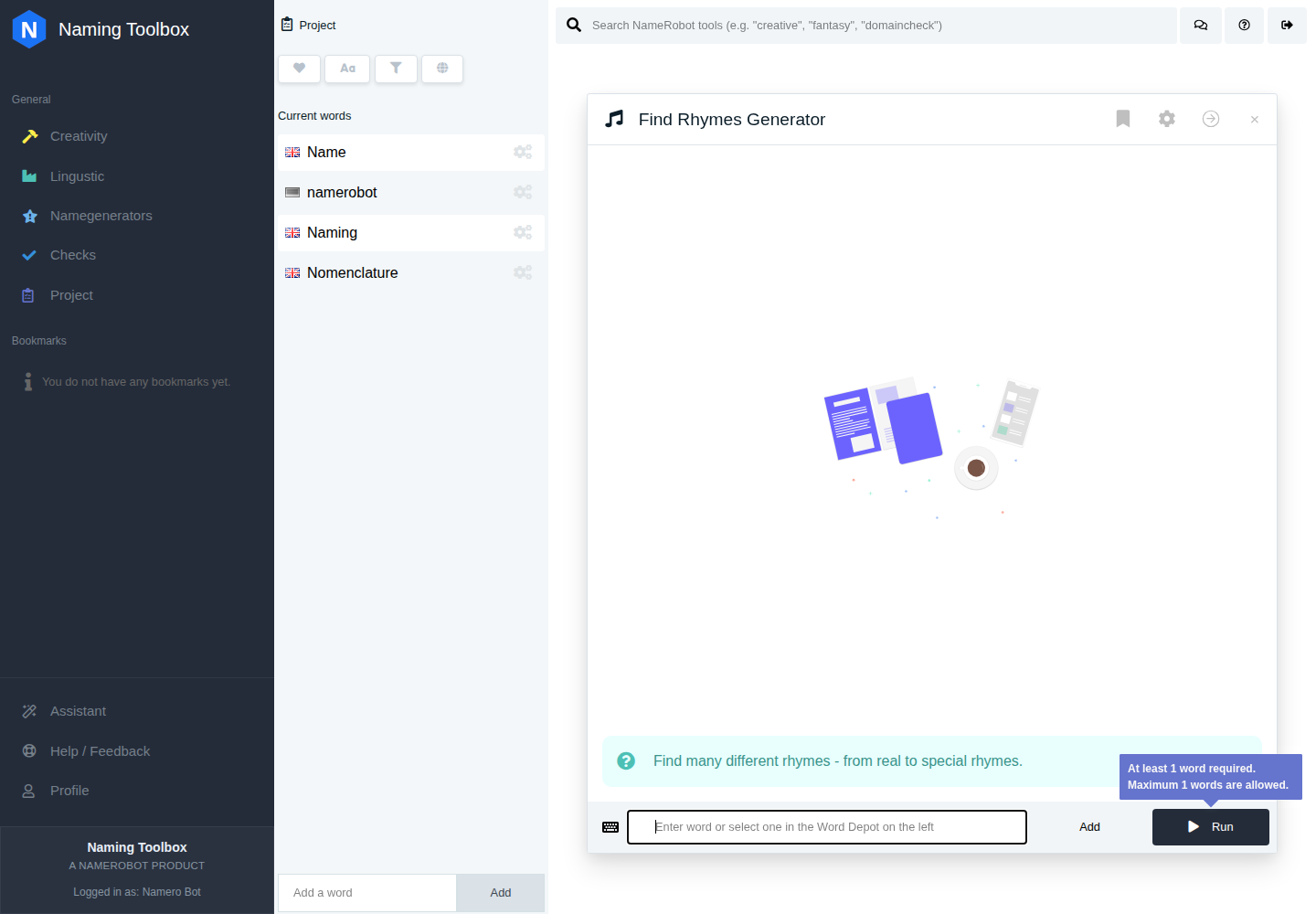
What the Tool Does
Find Rhymes takes one word as input and searches for words with matching or related sound patterns. Depending on the selected settings, the tool can return classic rhymes, looser sound matches, syllable-based matches, and stylistic sound patterns such as alliteration or assonance.
This makes it a flexible creativity tool for naming projects where memorability, tone, or wordplay matter.
How to Use Find Rhymes
You can enter a word directly or select one from your project. The tool then analyzes the sound structure of that word and returns matching results based on the selected language and rhyme settings.
This is useful when you already have a keyword, concept word, or early name candidate and want to see which sound-based directions can grow out of it.
Rhyme Types
One of the most important settings in Find Rhymes is the rhyme type. This defines what kind of phonetic similarity the tool should look for.
Normal Rhymes are the default option and usually the best starting point. They are designed to provide balanced results that are useful for general naming work.
Strict Rhymes focus on closer and more exact rhyme matches. This setting is useful when you want tighter sound similarity and more traditional rhyme-style results.
Tolerant Rhymes allow broader phonetic matches and usually return more results. This is useful when you want to widen the search and explore more possibilities.
First Syllable focuses on words that sound similar at the beginning. This can be useful when you want names with a shared opening sound or a similar starting rhythm.
Last Syllable focuses on endings. This is useful when you are more interested in how words finish than how they begin.
Alliteration helps you find words that share similar initial sounds. This is useful for naming styles that aim to sound punchy, memorable, or slogan-like.
Pararhyme searches for more unusual consonant-based sound relationships. This can produce less obvious and more experimental results.
Assonance focuses on similarities in vowel sounds. This is useful when you want softer or more subtle sound relationships instead of direct rhymes.
Settings
In addition to the rhyme type, Find Rhymes includes several practical settings that influence the result list.
Allow results from different languages makes it possible to search across English and German. This is useful when you want more variety or when you are working on a project that benefits from cross-language creativity.
Find identical words allows results that contain the original keyword inside a larger word. For example, this can return compounds or extended forms that include your original term. This setting is useful if you want to explore words that stay close to your starting point.
Maximum length of results lets you control how long the returned words can be. This is helpful when you want shorter, cleaner naming candidates or when you want to avoid overly long or less practical results.
When to Use It
Find Rhymes is useful when you want names that sound memorable, playful, expressive, or easy to recall. It works well for brand names, product names, creative campaigns, media concepts, and any naming work where phonetic style matters.
It is also a strong tool when you already have one keyword and want to see whether it opens up a family of related sound ideas that could inspire better names.
How to Work with the Results
The results from Find Rhymes can be used as direct name ideas, as inspiration for combinations, or as sound references for other tools in Naming Toolbox. Some words may work immediately, while others may simply point you toward a more promising style or naming direction.
A practical workflow is to save the strongest results to your project, compare them with other naming ideas, and then continue with additional tools if you want to refine, combine, or validate them further.