
Trademark Search
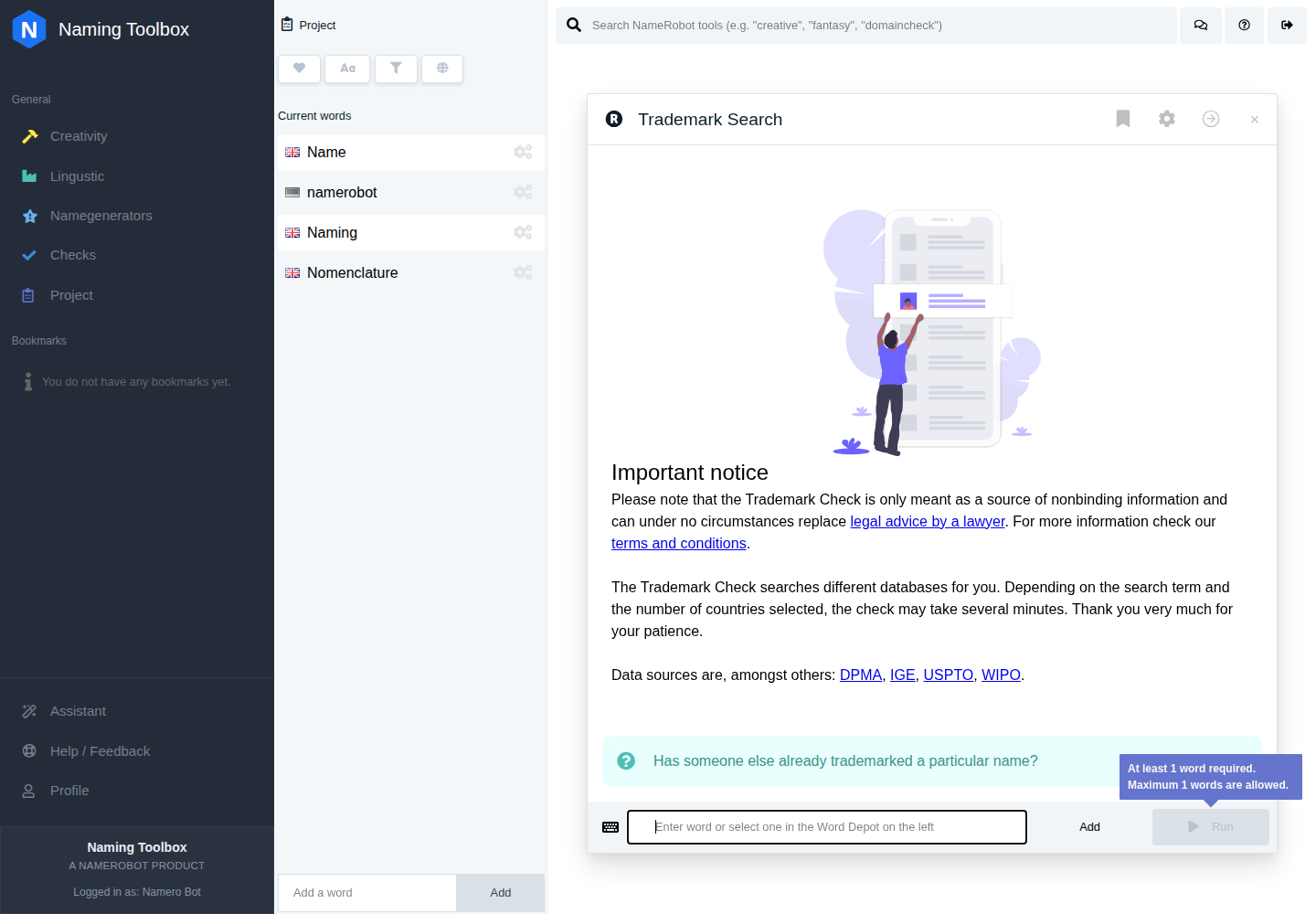
The Trademark Search tool helps you check whether a name is already protected in selected trademark registers. This is one of the most important validation steps when you want to reduce the risk of choosing a name that may conflict with existing rights.
A name can sound strong, look available as a domain, and still run into problems if similar trademarks already exist in relevant markets or product classes. This tool helps you identify those risks earlier and make more informed decisions before you commit to a final name.
Trademark Search is especially useful once you have a shortlist of serious candidates. It helps you focus on names that not only feel right, but also look more realistic from a protection and conflict perspective.
Have a name ready to review? Run Trademark Search now and use this guide to interpret the result.
What the Tool Does
Trademark Search checks selected trademark scopes and returns matching or similar trademark entries for your search term. Depending on the selected settings, the tool can search across multiple regions and filter results by Nice Classes and trademark status.
This means you can move from a broad first review to a more focused search. Instead of seeing every possible match, you can narrow the results to the regions and trademark classes that matter most for your project.
The tool also works with variants of your search term, which helps identify potentially relevant matches beyond only one exact written form.
How to Use Trademark Search
Enter the name you want to check and choose the trademark scopes you want to include.
Then review the Nice Classes that are relevant to your product, service, or business area. If you leave the class filter open, the tool can search across all classes. If you narrow it down, the results become more focused and easier to interpret.
After running the search, look carefully at the returned trademark results. Pay attention not only to exact matches, but also to similar names, related classes, and the status of each entry.
Settings
Scopes
The scope setting determines which trademark regions or offices are included in the search.
By default, the tool uses a practical starter set that includes major scopes such as the European Union and the United States. Depending on language and configuration, local or additional regional scopes may also be relevant.
This setting matters because trademark risk depends heavily on where you want to operate. A name may be clear in one jurisdiction and problematic in another.
Nice Classes
Trademark Search lets you filter by Nice Classes. Nice Classes are the standard categories used to group goods and services in trademark systems.
The tool covers the full Nice Class range and groups them into goods and services. This helps you focus on the areas that actually matter for your intended use.
If your name is meant for a software product, for example, you may not need the same classes as a food brand, a consulting service, or a physical consumer product.
Trademark Status
The tool can filter results by trademark status. This helps you decide whether to review all results or focus on entries with a specific legal state.
Status filtering is useful because not every result carries the same weight. Registered, pending, expired, refused, or otherwise changed statuses may need to be interpreted differently.
Search Behavior
The tool supports settings that influence how broadly or narrowly a search is performed. Depending on the configuration, this can include exact phrase behavior, wildcard-style searching, and more complete result retrieval.
These options are useful when you want either a quick first scan or a more detailed review.
What the Results Mean
The results show trademark entries that may be relevant to your search term in the selected scopes and classes.
A result is not automatically proof that your name cannot be used. But it is a strong sign that you should review the overlap carefully. The closer the wording, the more relevant the class, and the more active the status, the more attention the result deserves.
In many cases, the most important questions are whether the trademark is still active, whether it covers similar goods or services, and whether the overall impression of the name is close enough to create confusion.
When to Use It
Use Trademark Search when a name has become a serious candidate and you want to understand whether it may conflict with existing trademark rights.
This step is especially important before launching a brand, filing your own trademark application, investing in design and marketing, or choosing between final shortlist options.
It is also one of the most valuable checks when moving from creative naming into commercial use.
How to Work with the Results
Start by looking for exact or very close matches in the classes and regions that matter most to you. Then review broader similarities that may still create risk.
A stronger result profile usually means there are no close active conflicts in the most relevant scopes and classes. A weaker profile means that the name overlaps with existing trademark activity in areas that are too close for comfort.
If you find several relevant results, compare them by wording, class, status, and region. That often makes it easier to decide whether a name is still worth exploring or whether you should move to a cleaner option.
Notes
Trademark Search is a practical research step, not a substitute for legal advice or formal legal clearance.
If a name is central to your product, company, or brand, you should treat the results as part of a broader decision process that may also include legal review and professional trademark assessment.